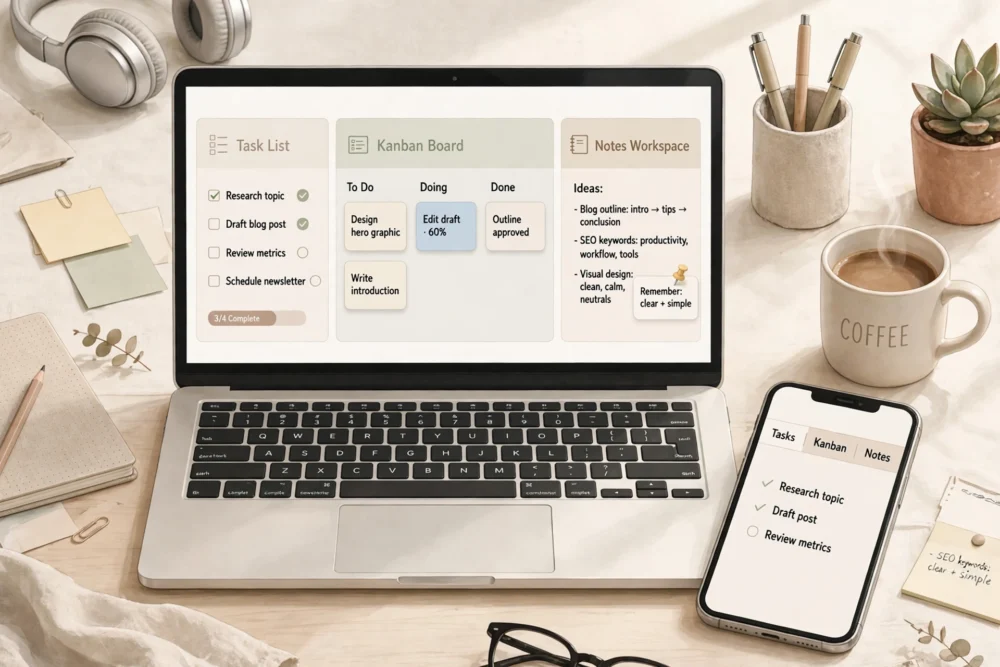
Quick answer: Notion is best if you want tasks, notes, and docs in one flexible workspace; Todoist is best for pure task lists done fast; Trello is best for visual board-based project tracking. All three have capable free plans. Choose Todoist for simple daily task management, Trello for team boards, and Notion if you want one app to hold everything.
The Short Version
If you only want to know which app to try first:
- Todoist if your main problem is “I need to remember and finish tasks.”
- Trello if your main problem is “I need to see where projects stand.”
- Notion if your main problem is “My notes, tasks, and docs live in five different apps.”
All three are good. The wrong choice is usually not a bad app — it is an app that solves a different problem than yours.
Notion vs Todoist vs Trello at a Glance
| Notion | Todoist | Trello | |
|---|---|---|---|
| Core idea | All-in-one workspace | Task list done well | Visual kanban boards |
| Best at | Notes + tasks + docs together | Capturing and completing tasks fast | Tracking project stages |
| Learning curve | Steepest | Easiest | Easy |
| Free plan | Generous for individuals | Good for basic lists | Good for small boards |
| Mobile app | Full-featured but slower | Fast and lightweight | Fast and visual |
| Team use | Strong for docs and wikis | Good for shared lists | Strong for board workflows |
Notion: The All-in-One Workspace
Notion combines notes, databases, task lists, calendars, and documents in one place. You can build a personal dashboard that holds your goals, reading list, project tracker, and meeting notes side by side. Its flexibility is its biggest strength and its biggest weakness: it can become almost anything, which means setting it up takes time and thought.
Notion suits people who enjoy organizing systems and want one home for their work. It suits students, writers, and small teams building internal wikis. It is a poor fit if you just want to jot down three tasks and move on — the setup overhead will annoy you.
Todoist: The Task List Done Right
Todoist does one thing extremely well: it lets you capture a task in seconds, organize it into projects, set a due date, and check it off. Natural-language input (“every Monday at 9am”) makes scheduling fast, and the app is light enough to open instantly on any device.
Todoist suits anyone whose main need is personal task management: daily to-dos, recurring chores, work tasks, and reminders. It is not a notes app or a document store, and it does not try to be. If your work is mostly “do this, then that,” Todoist is the fastest tool here.
Trello: The Visual Board
Trello organizes work as cards on boards with columns like To Do, Doing, and Done. Dragging a card from one column to the next gives an instant picture of progress, which is why teams love it for projects with clear stages.
Trello suits project tracking: content calendars, product launches, event planning, and team workflows where everyone needs to see status at a glance. It is less suited to long-form notes or complex personal organization, where its card format feels limiting.
Pricing: What Is Actually Free?
All three apps offer free plans that cover genuine everyday use. Todoist’s free plan handles basic task lists and projects; its paid plan adds reminders, filters, and larger uploads. Trello’s free plan covers unlimited cards and several boards; paid plans add automation and larger boards. Notion’s free plan is generous for individuals, including unlimited pages; paid plans add team features and larger file uploads.
A practical rule: start free on all three. Pay only when a specific limit blocks you — not before.
How to Stop Switching Apps
App-switching is usually a symptom, not a solution. Before moving to a new tool, write down the one job your current tool fails at. If the new app does that one job clearly better, switch. If it only looks nicer, stay. Most people need one primary app plus, at most, one specialist tool — not four overlapping ones.
Frequently Asked Questions
Is Notion better than Todoist?
Not for pure task management. Todoist is faster for capturing and completing tasks. Notion is better if you want tasks combined with notes, docs, and databases in one workspace. Pick based on whether tasks alone or tasks-plus-notes is your real need.
Can I use Trello for personal tasks?
Yes, and many people do. Trello works well for personal projects with stages, like planning a trip or tracking job applications. For simple daily to-dos, though, Todoist is faster because it does not require managing boards and cards.
Do these apps work on both phone and computer?
Yes. Notion, Todoist, and Trello all offer iPhone, Android, web, and desktop apps, and they sync across devices. Todoist and Trello tend to feel fastest on phones; Notion’s mobile app is full-featured but can feel slower on large workspaces.
Which app is best for a small team?
Trello is usually the easiest team starting point because boards are instantly understandable. Notion is better once a team also needs shared docs and a wiki. Todoist works well for small teams that mainly share task lists rather than documents.