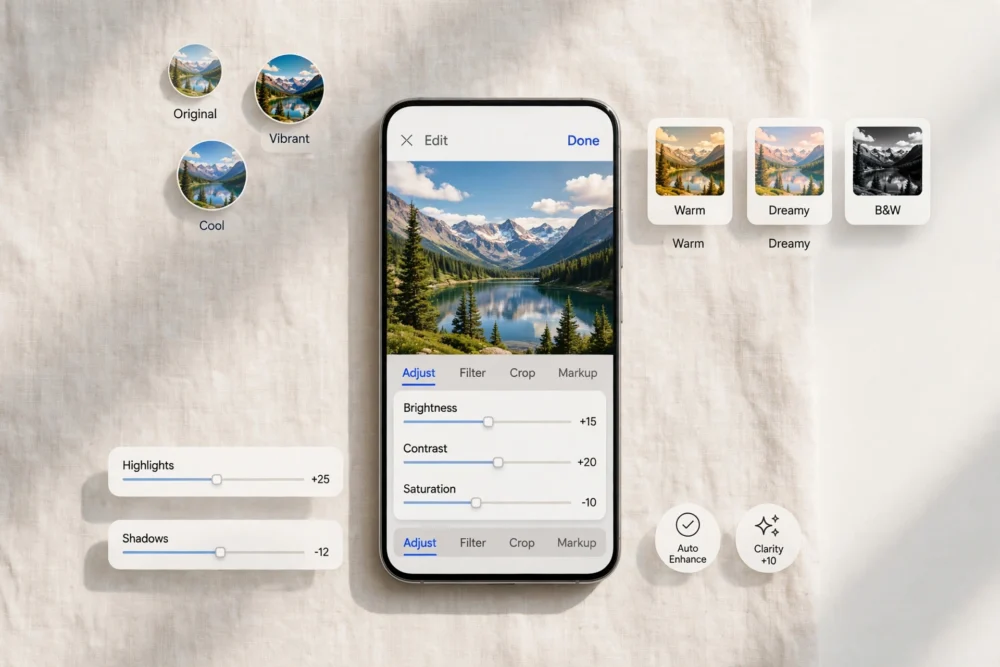
Quick answer: The best free photo editing apps in 2026 are Snapseed for full manual control, Adobe Lightroom for presets and RAW editing, and Google Photos for quick automatic fixes. All three are free to download and use on iPhone and Android, though some advanced tools sit behind optional paid upgrades. Pick based on whether you want control, presets, or speed.
How These Apps Were Picked
A “free” photo editor should let you edit and save a full-quality photo without paying, and without stamping a watermark on it. Every app below meets that test. Apps that lock saving behind a paywall or add a watermark unless you subscribe were left out, no matter how popular they are.
The Best Free Photo Editing Apps at a Glance
| App | Best for | Ads | Watermark on free exports | iPhone | Android |
|---|---|---|---|---|---|
| Snapseed | Full manual control | None | No | Yes | Yes |
| Adobe Lightroom | Presets and RAW photos | None | No | Yes | Yes |
| Google Photos | Fast automatic fixes | None | No | Yes | Yes |
| Polarr | Filters and face tools | Some | No | Yes | Yes |
| Photopea (browser) | Photoshop-style layers | Banner ads | No | Yes (web) | Yes (web) |
Snapseed: Best for Full Control
Snapseed, made by Google, is the closest thing to a free desktop editor on a phone. It offers precise tools: selective brightness adjustments, curves, white balance, perspective correction, and a healing tool for removing small objects. There are no ads and no subscription pressure, which is rare.
The trade-off is the learning curve. The interface hides its best tools behind gestures, so a first-time user may miss them. If you enjoy adjusting a photo yourself rather than tapping one filter, Snapseed is the best free choice available.
Adobe Lightroom: Best for Presets and RAW
Lightroom’s free mobile app covers cropping, light, color, and a large library of presets — one-tap looks that can transform a flat photo. It also handles RAW files from phones that support them, which matters if you want maximum quality.
Some tools, like selective edits and cloud syncing beyond a small quota, require a paid plan. But the free tools alone are enough for most phone photographers, and presets make it the fastest route to a polished look.
Google Photos: Best for Quick Fixes
Google Photos is not a full editor, but its built-in editing tools are excellent for speed: auto-enhance, light and color sliders, cropping, and a set of filters. If your goal is to make a photo look good in under a minute before sharing it, this is the simplest path.
Its weakness is depth. You cannot do selective edits or fine-grained color work. Use it for everyday photos, and switch to Snapseed or Lightroom when a photo deserves more attention.
Polarr: Best for Filters and Portraits
Polarr combines strong filters with face-aware tools for smoothing skin and adjusting facial features. The free version is generous, though it shows occasional ads and reserves some advanced tools for subscribers.
Photopea: Best for Layers in a Browser
Photopea is a free, browser-based editor that works like a simplified Photoshop, with layers, masks, and PSD file support. It runs on phones through the browser, though the small screen makes detailed work harder. Banner ads keep it free.
What About Watermarks and Export Quality?
Always check two things before committing to an editor: whether free exports carry a watermark, and whether the app reduces your photo’s resolution when saving. The apps above export at full resolution without watermarks on their free plans. If an app you try fails either test, switch — there are too many good free options to accept those limits.
Which App Should You Pick?
- Want total control and zero ads? Snapseed.
- Want great presets and shoot RAW? Lightroom.
- Want the fastest decent edit? Google Photos.
- Want portrait tools and filters? Polarr.
- Need layers without installing anything? Photopea in your browser.
Most people end up with two: one fast editor for everyday photos and one deep editor for the photos that matter.
Frequently Asked Questions
What is the best completely free photo editing app?
Snapseed is the best completely free option: no ads, no subscription prompts, no watermark, and full manual editing tools. Lightroom is a close second if you prefer presets, though some of its tools require payment.
Do free photo editing apps reduce photo quality?
The apps in this guide export at full resolution on their free plans. Some lesser-known free editors do compress or downscale images, so always check a saved photo’s size and quality before trusting a new app.
Is there a good free photo editor that works like Photoshop?
Photopea is the best free Photoshop-style editor. It runs in a browser, supports layers and PSD files, and costs nothing, though banner ads support it and detailed work is easier on a larger screen.
Can I edit RAW photos for free on my phone?
Yes. Both Snapseed and Adobe Lightroom handle RAW files on their free plans, provided your phone can capture RAW images. Check your camera app’s settings to enable RAW capture first.